
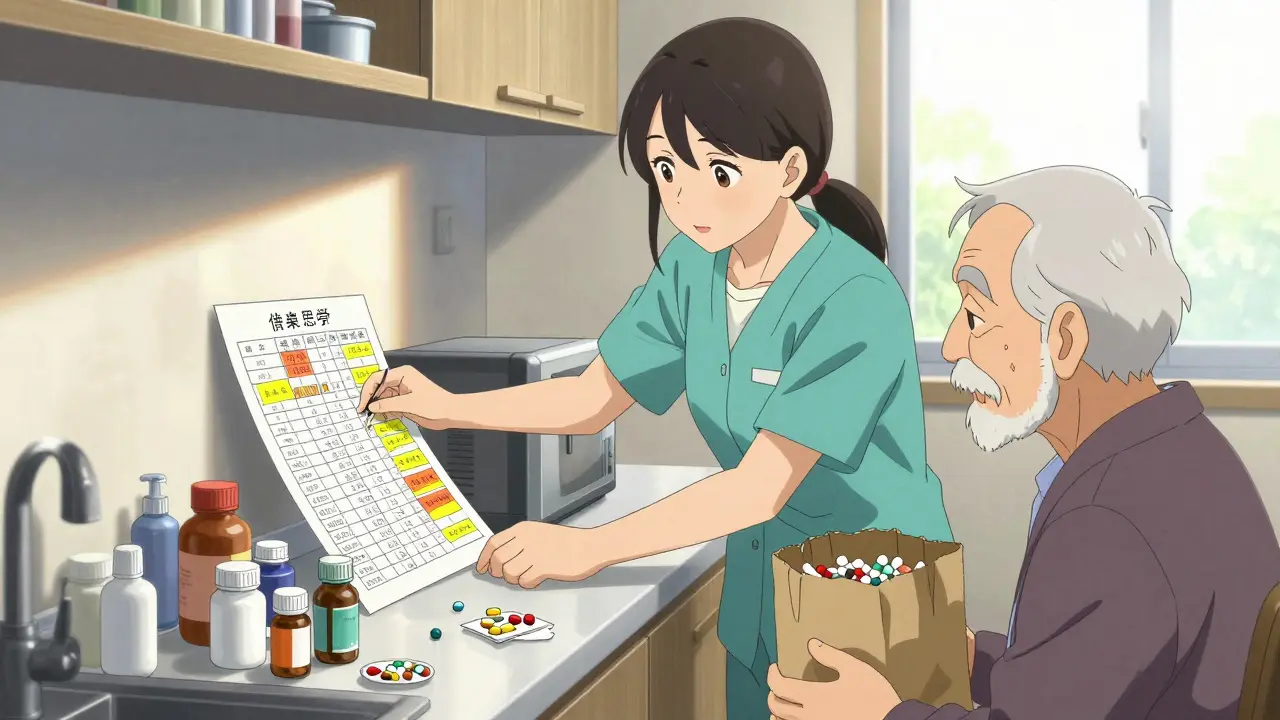
When a loved one is taking five, six, or even ten different medications every day, keeping track isn’t just helpful-it’s life-saving. Over 40% of older adults in the U.S. are on five or more medications, and each one carries risks: interactions, missed doses, or wrong timing can lead to hospital visits, falls, or worse. A clear, up-to-date medication list isn’t a nice-to-have. It’s the most important tool a caregiver has.
What Goes on a Medication List?
A good medication list isn’t just a note scribbled on a napkin. It needs to be complete, accurate, and easy to read. The FDA and AHRQ recommend including these 12 key details for every medication:- Full name (brand and generic, like Lisinopril and Prinivil)
- Exact dosage (e.g., 10 mg, not just "1 pill")
- How often to take it (e.g., "once daily at bedtime")
- Time of day (e.g., "with breakfast," "every 8 hours")
- Purpose (e.g., "for high blood pressure," "for sleep")
- Start date
- Prescribing doctor’s name and contact
- Pharmacy name and phone number
- Special instructions (e.g., "take with food," "do not crush," "avoid alcohol")
- Potential side effects to watch for (e.g., "dizziness," "swelling in ankles")
- Allergies and reactions (e.g., "penicillin-rash, swelling")
- Stop date (for time-limited prescriptions like antibiotics)
Don’t forget supplements. Many caregivers overlook vitamins, fish oil, or herbal remedies-but these can interact with prescription drugs. A 2022 study found that 61% of seniors taking supplements didn’t tell their doctors. Treat them like real medications. Write them down.
Choose the Right Format: Paper, Digital, or Both
There’s no one-size-fits-all solution. The best format depends on the caregiver’s comfort and the complexity of the regimen.Paper lists are still used by 63% of caregivers. They’re simple, don’t need batteries, and can be handed to an ER doctor in seconds. Many use a three-ring binder with tabs for medications, appointments, and questions-a system 83% of caregivers in one study called "very helpful." Laminating the list or putting it in a plastic sleeve keeps it clean and readable. Some caregivers even take photos of each pill and tape them next to the name. One caregiver on Reddit shared that after her mother’s hospitalization, she made a laminated chart with pill photos. She’s prevented three errors in six months.
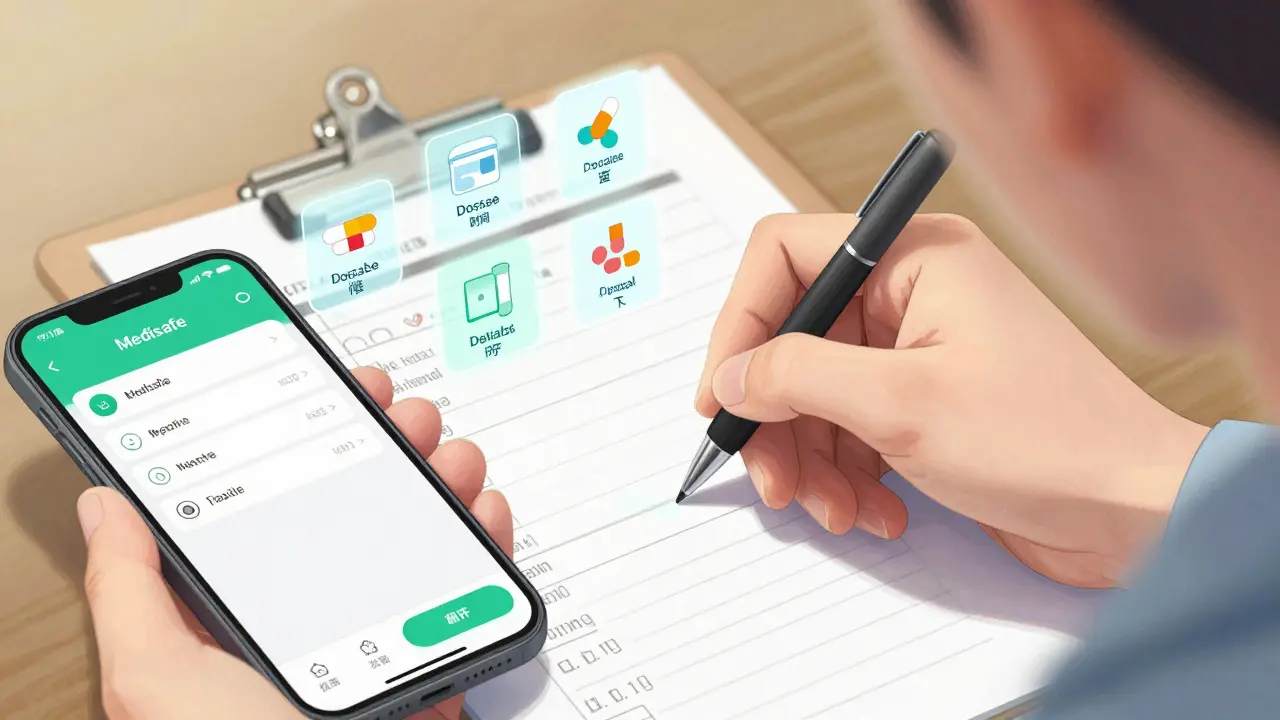
Digital tools like Medisafe, MyMeds, or pharmacy apps (CVS, Walgreens) can send reminders, track refills, and sync with prescriptions. For regimens with more than four medications, digital tools cut error rates by 42%. But here’s the catch: 71% of caregivers over 65 stop using apps within three months. Why? Too complicated. Too many steps. Too much time.
The smartest approach? Use both. Keep a printed master list in a visible place (kitchen counter, bedside table) and use a digital app as a backup. Update the paper version after every doctor’s visit. Use the app for daily reminders and refill alerts. This way, if the power goes out or the phone dies, you’re not lost.
How to Build Your List: A Step-by-Step Guide
Building a complete list takes time, but it’s worth it. Follow these six steps:- Collect everything. Go through every cabinet, drawer, and purse. Get all pills, patches, inhalers, liquids, and supplements. Don’t skip the ones "just in case." Place them all on a table.
- Match each pill to its label. Use the original bottles to write down the 12 details above. If a bottle is missing, call the pharmacy. Ask for the National Drug Code (NDC) number-it reduces dispensing errors by 29%.
- Organize by schedule. Group medications by when they’re taken: morning, noon, evening, bedtime. Use color-coded sticky notes or highlighters if it helps. Red for morning, blue for night.
- Create two copies. One stays at home. One goes in your wallet or purse. Give a copy to any other caregiver, family member, or home health aide.
- Set a weekly update time. Pick Sunday evening. Spend 15 minutes reviewing. Did any meds change? Did the doctor say to stop one? Add it right away.
- Share it with every provider. Bring the list to every appointment-even the dentist. Ask the pharmacist to review it quarterly if the person is on five or more drugs.
The first month is the hardest. Most caregivers make nearly five mistakes before they get the rhythm. That’s normal. Keep going.
Handle the Tough Cases
Not all medications are simple. Here’s how to handle the tricky ones:- "As needed" meds (PRN): Create a separate section for these-like pain relievers, sleep aids, or anxiety meds. Note the max daily dose and why it’s used. "Take 1 tablet if headache lasts over 2 hours, not more than 4 in a day."
- Multiple doctors: If your loved one sees three specialists, pick one (usually the primary care doctor) to be the "medication coordinator." They’re the one who reviews everything and tells the others what’s being taken.
- Medication changes after hospital visits: This is where most errors happen. When your loved one comes home from the hospital, compare the discharge papers to your list. If something was added, stopped, or changed, update immediately. If the discharge list doesn’t match what you have, call the hospital pharmacy and ask for clarification. Don’t guess.
- Over-the-counter drugs: Tylenol, ibuprofen, antacids, sleep aids-they all count. Many seniors take these daily without telling their doctor. But they can cause kidney damage, stomach bleeding, or interfere with blood pressure meds. Add them to the list.
Use the Brown Bag Method
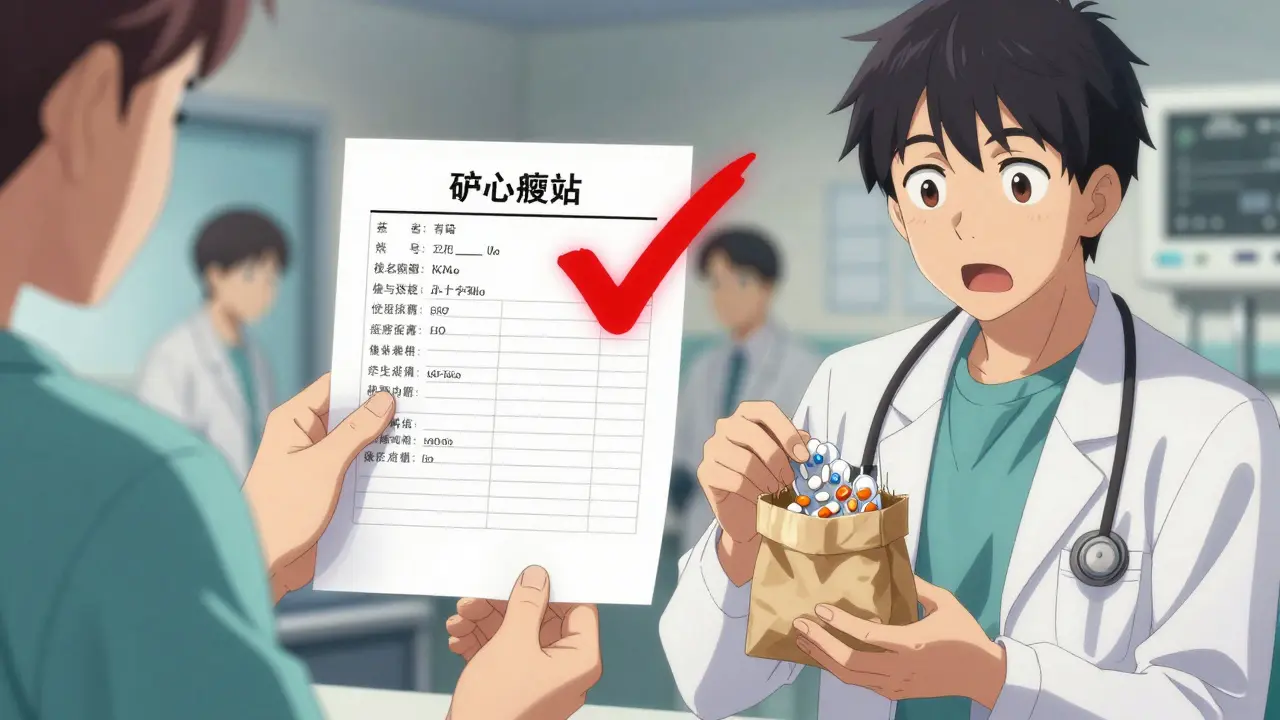
One of the most effective tools is simple: bring all medications to appointments in a brown paper bag. This isn’t just a trick-it’s a standard practice endorsed by AARP. In their 2022 survey, 89% of caregivers said it was "extremely helpful." Why? Because doctors often don’t know what’s really being taken. Patients forget. Pills get mixed up. When you walk in with the bag, the doctor can see exactly what’s there. They might spot duplicates, expired meds, or dangerous combinations you didn’t know about.Do this every time you see a new doctor or go to the hospital. Even if you think you’ve told them everything-bring the bag.
What to Avoid
Here are the biggest mistakes caregivers make:- Writing "take 1" instead of "take 10 mg"
- Not listing why a medication is taken (so you forget if it’s still needed)
- Waiting until the next doctor’s visit to update the list
- Not including supplements or OTC drugs
- Using only one format (paper OR digital, not both)
- Assuming the pharmacy or doctor has the right list
One caregiver told her story: her mother was taking two blood pressure meds that did the same thing. The list didn’t say why. The doctor didn’t know. She was overmedicated. It took a hospital visit to find out. A simple list with purposes could have prevented it.
Keep It Updated-It’s Not a One-Time Job
Medications change. All the time. A new prescription. A dose adjustment. A side effect that makes a drug stop. If your list isn’t current, it’s useless.Update it within 24 hours of any change. That’s the rule. Whether it’s a new pill, a discontinued one, or a change in timing-write it down right away. Set a weekly reminder on your phone. Sunday evenings work well. Use a checklist:
- Did any meds get refilled?
- Did the doctor say to stop one?
- Was a new one added?
- Did the pharmacy change the dosage?
- Did any side effects appear?
According to Caregiver.org, 87% of caregivers who stick with the list do it on Sunday night. It becomes part of the routine-like paying bills or watering plants.
When to Ask for Help
You don’t have to do this alone.- Ask the pharmacist to review the list every three months. They’re trained to spot interactions and unnecessary drugs.
- Use free services like CVS or Walgreens’ medication synchronization. They’ll align all refills to one day a month and update your digital list automatically.
- Call your local Area Agency on Aging. They often have free caregiver support programs that help organize medication lists.
- If you’re overwhelmed, hire a home care aide for one hour a week just to help update the list.
Remember: the goal isn’t perfection. It’s safety. A good list doesn’t need to be fancy. It just needs to be accurate, current, and easy to share.
What’s Next?
The future of medication management is getting better. In 2023, the FDA rolled out a new template with QR codes you can scan to see a photo of the pill and its side effects. Pharmacies are starting to use them. By 2025, Medicare will require all patients to have digital access to their medication lists. Voice assistants like Alexa and Google Home are being tested for caregiver use-"Alexa, what meds did Mom take this morning?"But for now, the most powerful tool is still the simple, printed list in your hand. It doesn’t need Wi-Fi. It doesn’t need a password. It just needs to be updated.
Start today. Gather the pills. Write the names. Call the pharmacy. Make the copies. Share it with everyone. You’re not just organizing meds-you’re protecting someone’s life.
What’s the most important thing to include on a medication list?
The most important thing is the exact dosage and why the medication is taken. Many errors happen because caregivers don’t know if a pill is for blood pressure, pain, or sleep. Writing "Lisinopril 10mg, for high blood pressure" instead of just "Lisinopril" makes all the difference.
Should I include vitamins and supplements?
Yes. Over 60% of seniors take supplements, and many interact with prescription drugs. Fish oil can thin the blood. Calcium can interfere with thyroid meds. Treat them like real medications-list name, dose, frequency, and purpose.
Is a digital app better than paper?
For regimens with more than four medications, digital tools reduce errors by 42%. But if the caregiver isn’t tech-savvy, paper is safer. The best approach is both: use a printed master list for emergencies and a digital app for reminders and refills.
How often should I update the list?
Update it within 24 hours of any change-new prescription, stopped drug, dose change. Set a weekly reminder (Sunday evening works well) to review and make sure nothing was missed.
What should I do when my loved one comes home from the hospital?
Compare the discharge instructions to your current list. If there are differences, call the hospital pharmacy or the prescribing doctor to confirm what’s correct. Never assume the new list is right. About 58% of caregivers report confusion after hospital stays because the new instructions didn’t match what they had.
Can I use a template?
Yes. The FDA’s "My Medicines" template and AHRQ’s Medication List are free and designed for caregivers. Download them, fill them out, and print copies. Many pharmacies also have printable versions at their websites.
10 Responses
Just finished updating my mum’s list using the FDA template-so much easier than my old scribbles. I included every supplement, even the turmeric capsules she swears are "just for digestion." Now she has two printed copies, one in her purse, one taped to the fridge. Also added QR codes from the pharmacy’s app-scans to show pill photos. Life-changing.
I love how you emphasized the brown bag method-I did it last week and the doctor spotted two duplicate blood pressure meds I had no idea about. Also, she asked why I didn’t list the melatonin as a "medication." I told her I thought it was just a vitamin. She laughed and said, "Sweetie, if it changes your physiology, it’s a medication."
My dad takes 11 pills a day and I used to just write "take once" next to everything. Then he fell last month and we realized he was taking two different blood thinners. I didn’t even know one was new. Now I color code everything. Red for morning, blue for night, green for PRN. No more guessing.
Oh wow. So we’re pretending that a laminated chart with pill photos is the pinnacle of modern medicine now? Meanwhile, half the people in this thread are still using paper and highlighters like it’s 1998. The FDA’s QR code thing is literally the future. And yet here we are, treating a printed list like it’s the Holy Grail. I’m not impressed.
The real issue isn’t the format-it’s the systemic failure of healthcare to standardize medication records. Why should a caregiver be responsible for maintaining a list that hospitals and pharmacies clearly can’t keep accurate? The problem isn’t the napkin-it’s the entire system that lets prescriptions get lost, duplicated, or miscommunicated. Paper lists are a band-aid on a hemorrhage.
I’ve been doing this for my grandma since she came home from the hospital after her stroke. I started with a notebook, then moved to Google Docs, then to Medisafe. Now I print a new copy every Sunday and put it in her pill organizer. She doesn’t use tech but she loves the physical list. I keep the digital one synced for my sister in California. We both get alerts. It’s not perfect but it’s the best we’ve got.
Let me guess-you also believe the government’s going to fix this with QR codes and "Medicare digital access" by 2025? Newsflash: the system is rigged. Pharmacies don’t update lists because they get paid to refill. Doctors don’t care because they’re paid by volume. Your laminated chart? It’s just a distraction. Real change means defunding the pharmaceutical lobby. Until then, you’re just rearranging deck chairs on the Titanic.
Just wanted to say thank you for this. My mom’s list used to be on the back of a receipt. Now I print it on cardstock, laminate it, and put it in her wallet next to her ID. I also added little emojis next to each category: 💊 for meds, 🌿 for supplements, ⚠️ for allergies. She laughs at them but she remembers them. Small things matter. 😊
Why are we even doing this? Just give them a smart pill dispenser. Or better yet, don’t give them pills at all. The whole geriatric pharmaceutical complex is a scam. You think writing "Lisinopril 10mg" fixes anything? Nah. They’re all overmedicated. Stop enabling the system.
My sister and I split the list duties-she handles the digital side, I do the paper updates. We check in every Sunday. No drama. No blame. Just quiet consistency. If you’re overwhelmed, find one person to share the load. You don’t have to do it alone. And if you’re tired? Take a break. You’re doing better than you think.